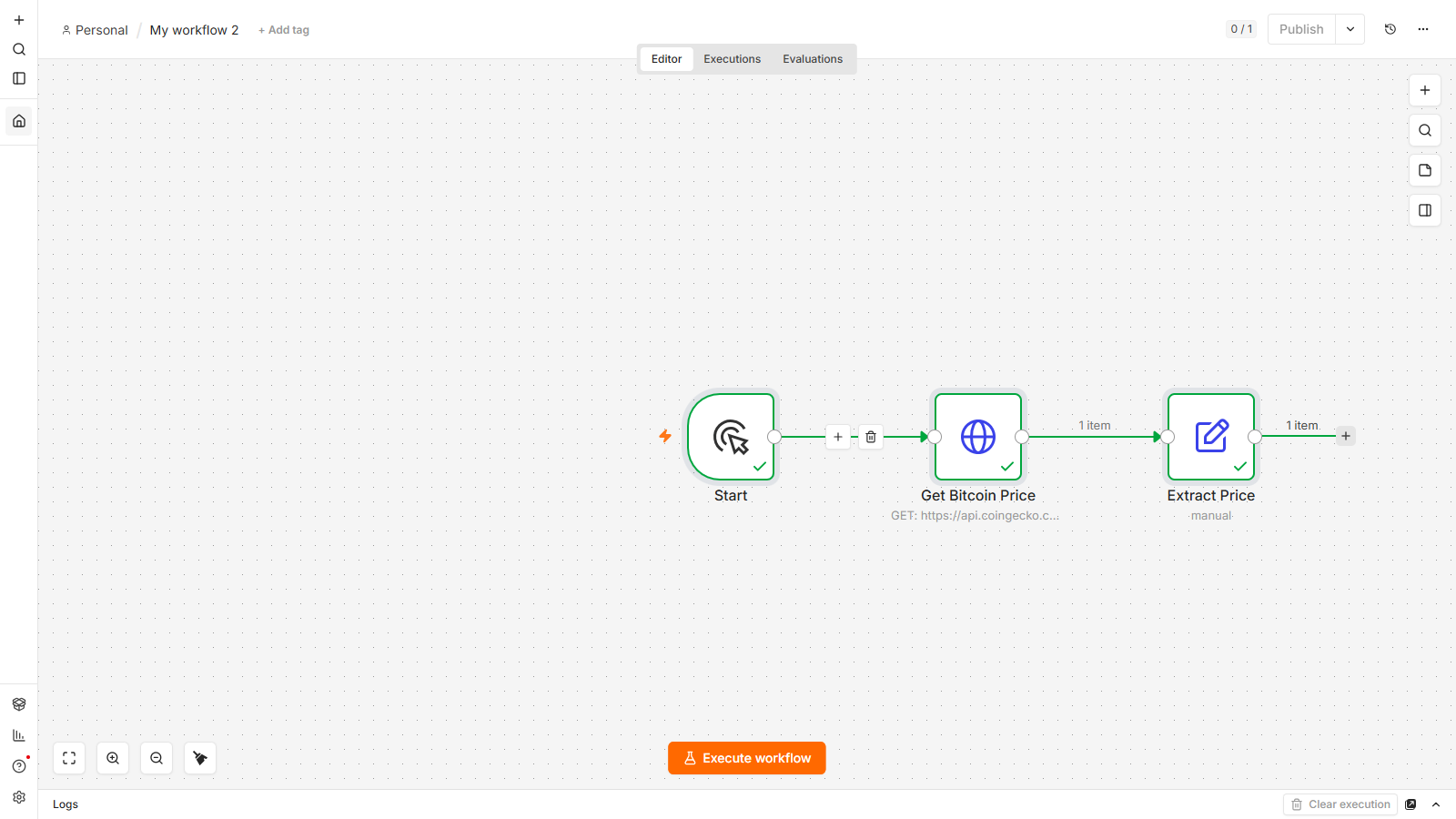
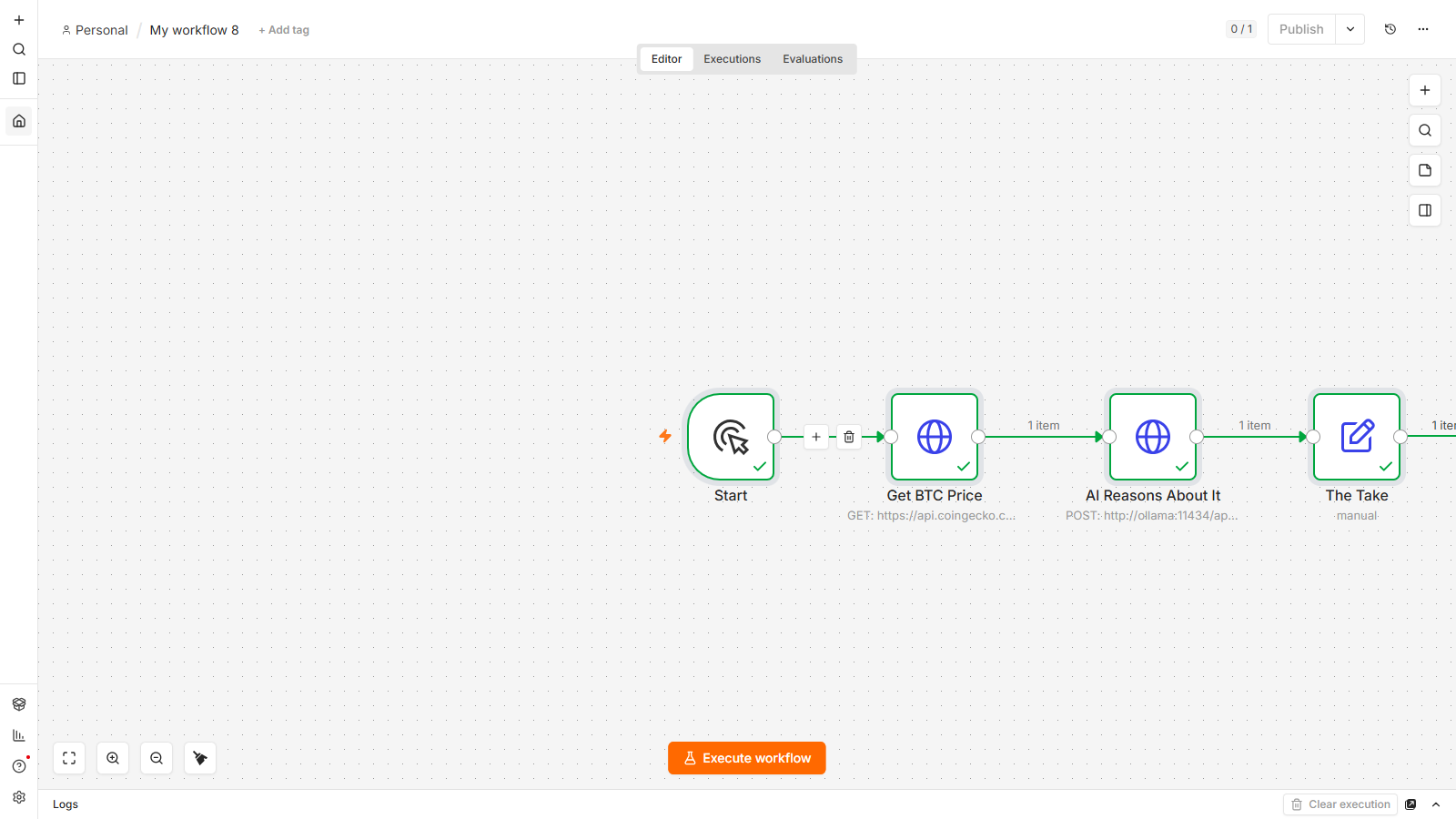
Search "n8n AI agent tutorial" and you'll get a dozen videos, each showing a different node for four minutes, and none of them telling you why an agent behaves the way it does. You paste in an OpenAI key, drag in a node someone called "AI Agent," and it either works and you don't know why, or it doesn't and you have no idea where to even look.
New to n8n? Start with the complete beginner's guide — every concept explained once, with the whiteboard diagrams, then come back here.
Here's the thing nobody tells you up front: an AI Agent node in n8n isn't a smarter version of "ask GPT a question." It's a completely different kind of node — one that's allowed to make its own decisions in a loop, using tools you give it, until it decides it has an answer. Once that distinction is in your head, every confusing thing an agent does stops being confusing.
So that's where we're starting, and we're not going to jump around topics to cover it. We're going to build one assistant, and over five stages we're going to make it smarter: first it just answers, then it gets tools so it can actually check things instead of guessing, then it gets memory so a conversation holds together, then it learns to hand off specialist work to other agents, and finally it reaches out to real external systems through a protocol called MCP. By the end you'll have watched one thing become genuinely capable, and you'll understand exactly why each stage was necessary — which is a very different thing from having watched five separate nodes get explained.
One honest note before we start: everything from here on uses a paid model (OpenAI, in our build), so each run costs a fraction of a cent. If that's a dealbreaker while you're learning, I've got a full guide to running an agent completely free with a local model via Ollama — no API key, no bill, same core idea. Come back here once you've got the concept and want to go further than a local model comfortably can.
What actually makes something an "agent" (and not just an AI step)
If you've used the plain OpenAI node in n8n, you already know the pattern: you send it a prompt, it sends back text, done. One call, one answer, no matter what the answer needed. That's an AI step. It's genuinely useful — classify this ticket, summarize this email, draft this reply — but it can only work with what you hand it directly in the prompt. It can't go check anything.
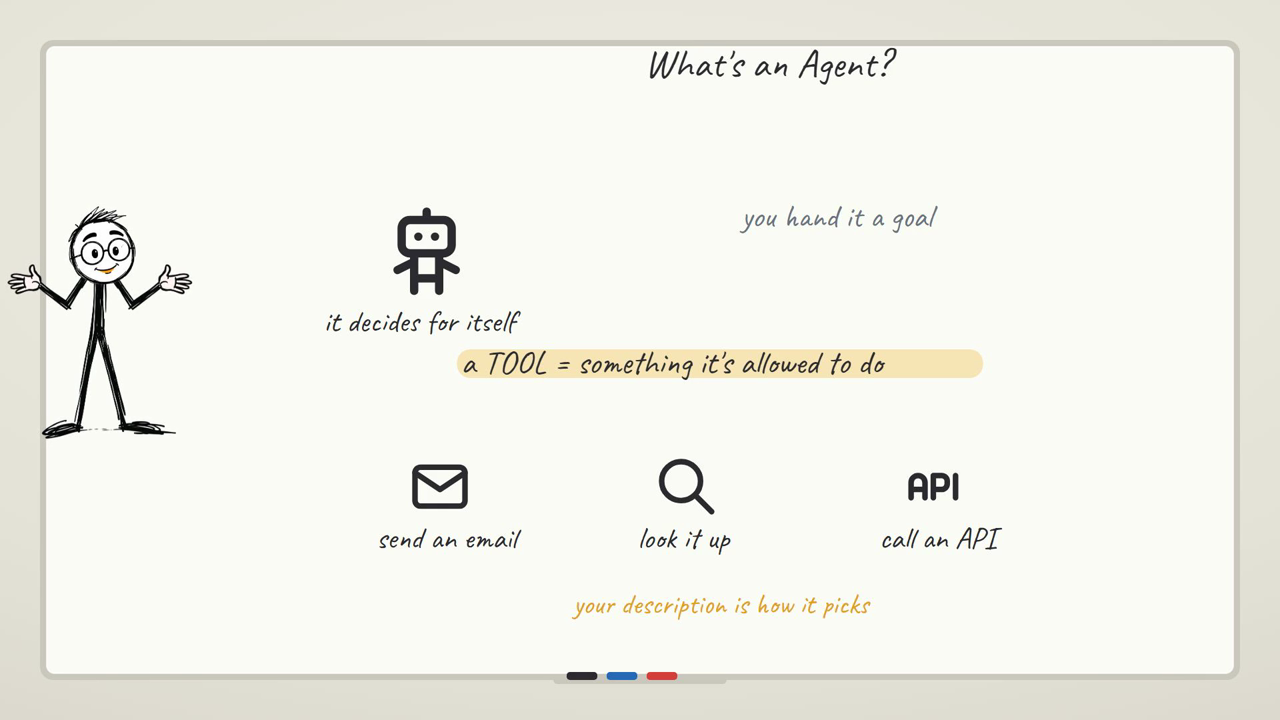
An agent is different in one specific way: it's given a set of tools, and it's allowed to decide, on its own, whether it needs one before it answers you. Ask a plain AI step "what's the weather in Mumbai right now," and it will confidently make something up, because all it can do is complete text — it has no way to actually know. Give an AI Agent node a weather tool, ask the same question, and it recognizes it doesn't know, calls the tool, reads the real result, and then answers. That loop — think, decide if a tool is needed, call it, look at what came back, decide again — can happen several times before you see a reply.
That's the whole difference. A plain AI step answers. An agent decides. Everything below — memory, delegation, MCP — is really just widening what it's allowed to decide over.
Here's the same idea as a straight comparison, because the three of these get used interchangeably online and they really shouldn't be:
| What it does | What it costs, relatively | Reach for it when | |
|---|---|---|---|
| AI step | One prompt in, one answer out, no matter what's needed | One model call | The question can be answered from what you hand it directly — classify, summarize, draft |
| Agent | Decides whether it needs a tool, calls it, reads the result, then answers | One model call, plus one more per tool it actually uses | It needs to check something real before it can answer honestly |
| Multi-agent | A manager agent hands specialist pieces of the task to other full agents | One call for the manager, plus a full call for every sub-agent it delegates to | Different parts of the task genuinely need a different tone, focus, or specialist instructions |
If you haven't built anything in n8n yet, start with the first-workflow tutorial — trigger, fetch, transform, the shape every workflow shares. This guide assumes you've got n8n open and you know how to add a node and wire two together.
The one thing we're building, start to finish
Here's the scenario, and it doesn't change for the rest of this guide: a small assistant for a one-person consulting business. It needs to answer general questions, look up real information instead of guessing, remember what you told it two messages ago, hand off specialist tasks (like writing a client-facing summary in a particular tone) to a dedicated sub-agent, and eventually pull live project data from a source that isn't even inside this workflow.
Stage 1 is a bare AI step that answers a question about the business. Stage 2 gives it a calculator tool so it stops guessing at numbers. Stage 3 gives it memory so a multi-turn conversation about a client actually holds together. Stage 4 adds a specialist writing sub-agent it can delegate to. Stage 5 connects it to an external MCP toolbox so it can reach systems that live outside this one workflow entirely. Same assistant, five stages, growing capability at each one. If you only build stage 1 and 2 today, you'll still have something real; the later stages are exactly where you'd take it next.
If you're not sure how far down this you actually need to go for your own use case, this is the honest shortcut:
AI step, agent, or multi-agent?
Stage 1: a plain AI step (so you can feel the difference later)
Add a Manual Trigger, then an OpenAI node — the plain "Message a Model" one, not the Agent. Set the prompt to something like: "A client asked what a typical consulting retainer costs per month. Give a short, friendly answer."
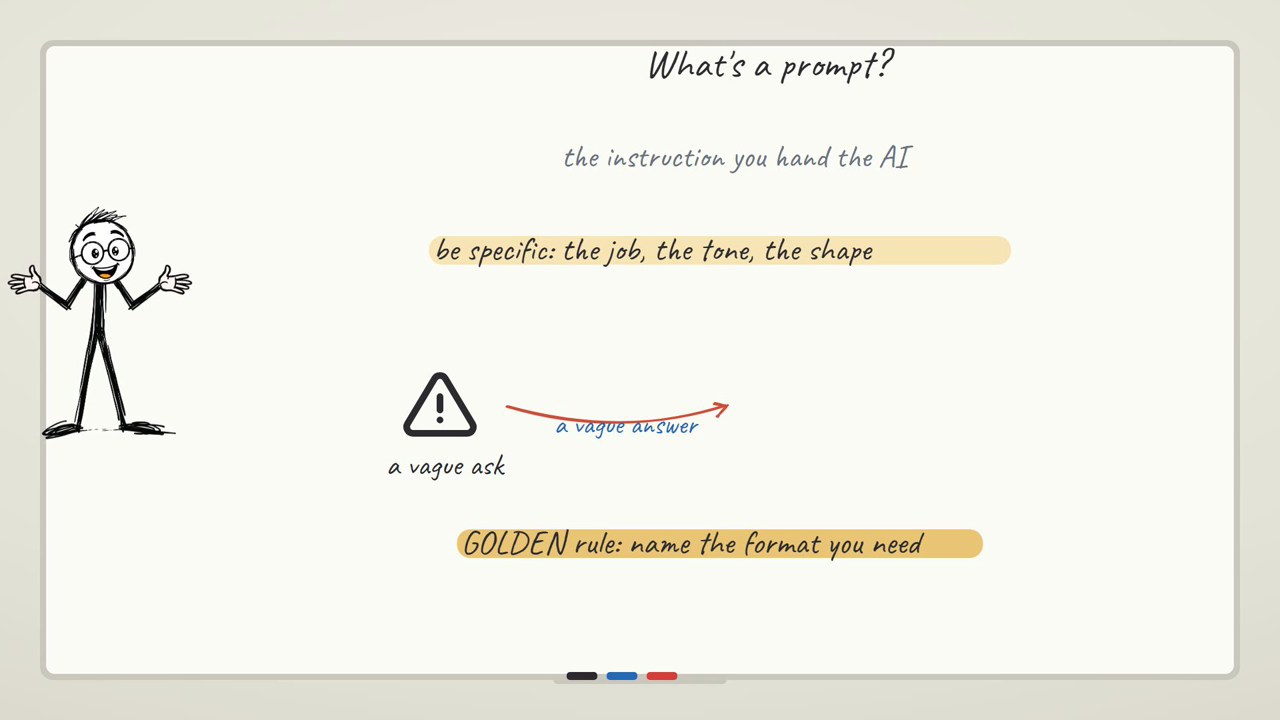
Run it. You'll get a fluent, confident-sounding answer — and that's exactly the caveat to sit with for a second. The model doesn't know your actual rates, your actual clients, or anything about your actual business. It's pattern-completing a plausible-sounding answer to a plausible-sounding question. That's fine for this specific prompt, but the moment you ask it something that depends on real, current information — "what's my client's account balance," "what did I quote them last month" — it will answer just as confidently and just as wrongly. That's the gap the rest of this guide closes.
Stage 2: give it tools, so it can check instead of guess
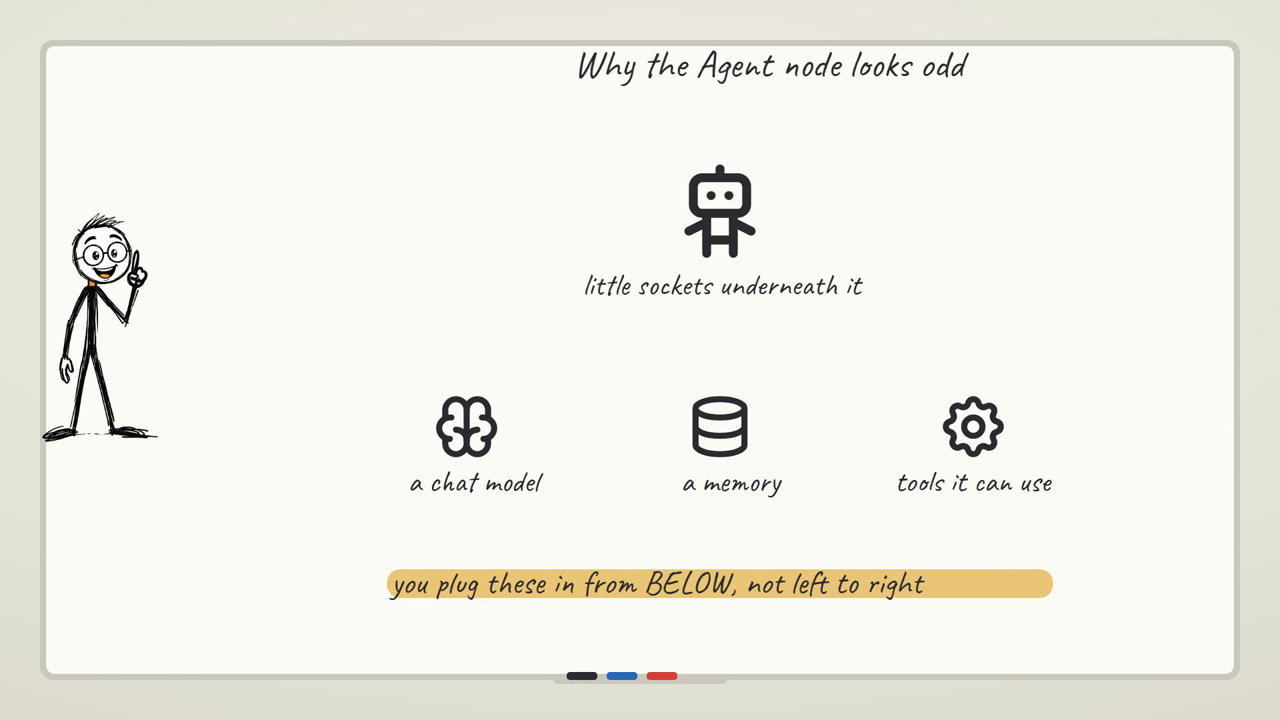
Delete that OpenAI node (or leave it — we're not reusing it) and add an AI Agent node instead. The first thing you'll notice is that it looks nothing like the node you just used. Instead of one box with a prompt field, it's a box with three labeled slots underneath it: Chat Model, Memory, and Tool. That's your first concrete sign that this is a different kind of thing — an agent needs a brain attached separately, because the same agent "shape" can run on different models.
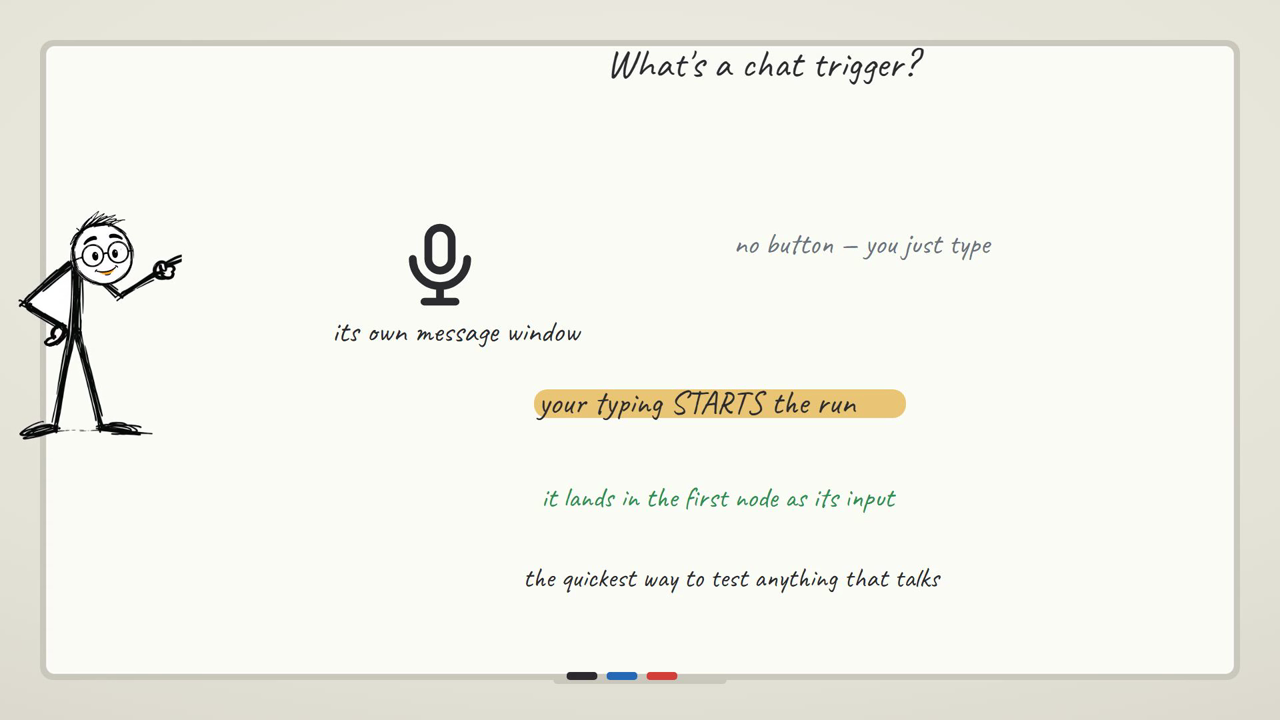
Also, the moment you add it, n8n quietly wires in a chat trigger ahead of it — you'll see a new "When chat message received" node appear, connected in front of your Agent. Agents default to being chatted with, so it adds the node that lets you do that. You can delete it and wire your Manual Trigger straight into the Agent instead if you want a clean, single-purpose workflow, or you can leave it in and just not use it. Either is fine — just don't be surprised by the extra node showing up uninvited.
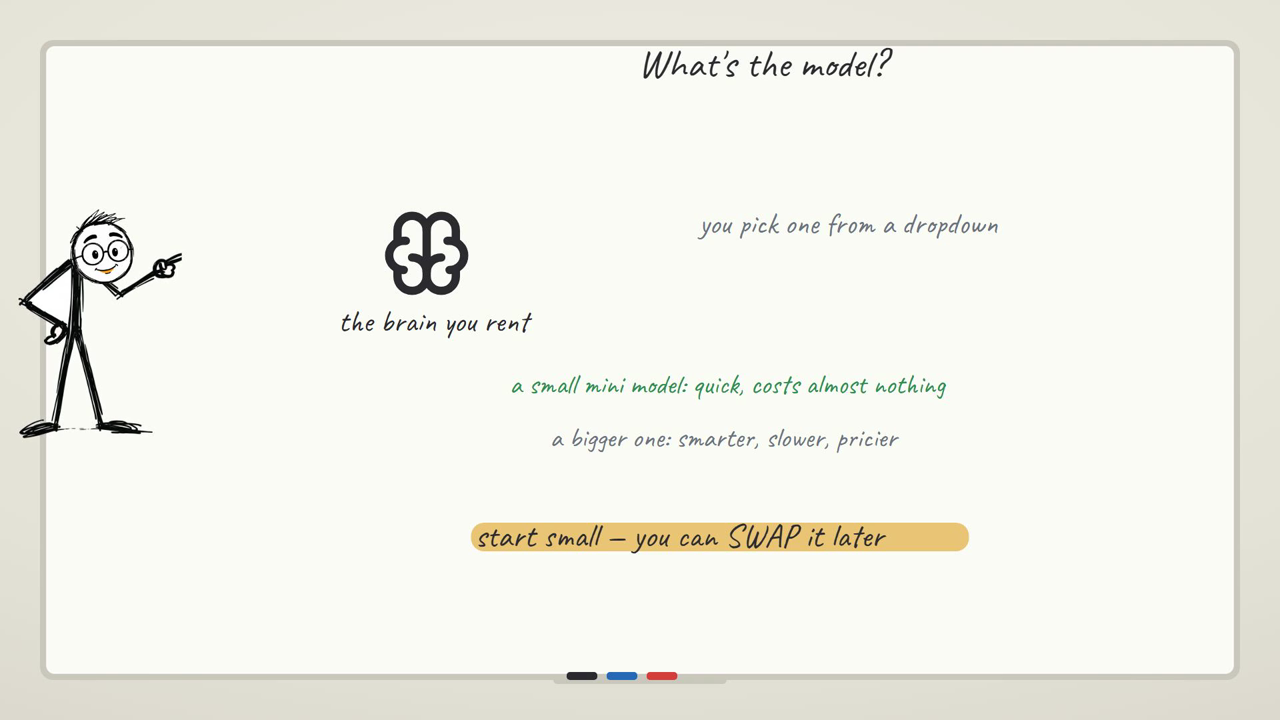
Now attach the brain: click the small + under Chat Model, search for OpenAI Chat Model, and pick it. This opens its own settings panel where you attach your OpenAI credential and choose a model — a fast, inexpensive model is genuinely enough for almost everything an agent like this does; you don't need the biggest model on the provider's list for tool-use and short reasoning. (Model names and pricing change constantly — check your provider's own pricing page rather than trusting a number in any tutorial, including this one.)
Here's the caveat that catches almost everyone building their first agent: the agent only knows about tools you explicitly attach to it. Ask it something a tool could answer, but the tool isn't wired in, and it doesn't error, doesn't warn you, doesn't say "I'd need a tool for that." It just answers anyway, using whatever it can guess from its training — fluently, and often wrong. When your agent seems to be "refusing" to do something or getting a fact wrong that a tool would've nailed, the first thing to check is never the model. It's whether you actually attached the tool. This is, by a wide margin, the most common thing that trips people up building their first agent, and it's an easy one to miss because nothing on screen tells you it's happening.
So: click the + under Tool, search for Calculator, and add it — no credentials, no config, it just works. Now give the agent a prompt that a language model alone tends to botch: something like "What's 128 times 47? Give me one friendly sentence with the answer." Run it and give it 10-15 seconds — an agent with a tool is doing more than one round trip, so it's visibly slower than the plain AI step from Stage 1. Open its output and you'll see a genuinely exact answer, because the agent recognized this needed the Calculator, called it, read the real result, and wrote the sentence around it.
There's a second, quieter version of the same "missing tool" problem worth knowing about now: a tool with a vague description gets ignored even when it's attached. The description field on a tool isn't a comment for humans reading your workflow later — it's the actual text the model reads to decide whether this tool is relevant to what's being asked. A tool described as "does stuff with data" competes badly against a clear one, and the agent will often just skip it and guess instead, exactly as if it wasn't attached at all. When you build your own tools later, write the description like you're explaining to a new hire exactly when to reach for this and not for something else.
Stage 3: give it memory, so a conversation holds together
Right now, every message you send this agent is treated as if it's the first thing it's ever heard from you. Tell it your name, ask it to remember something about a client, then ask a follow-up two messages later — it won't have it. That's not a bug; a fresh agent genuinely has no memory of previous turns unless you give it somewhere to keep them.
This time, keep the auto-added chat trigger — memory only actually shows itself across a multi-turn conversation, so you'll want to talk to this one through n8n's chat panel rather than running it once with Execute Workflow. Leave the agent's prompt setting on whatever pulls from the incoming chat message (rather than a fixed prompt) so each message you type becomes the thing it's responding to.
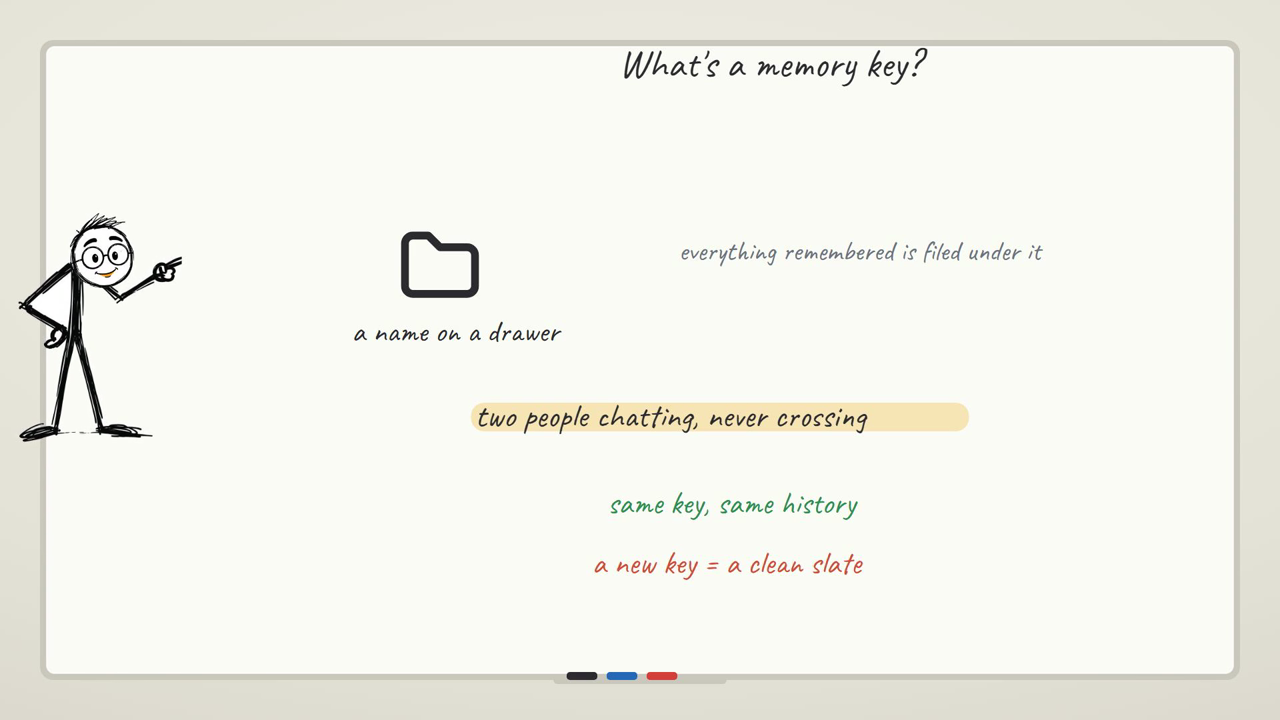
Click the + under Memory, search for Simple Memory, and add it — again, no configuration needed, the default is fine to start. Open the chat panel and try the thing that makes this land: type "My name is Priya and I run a design studio," let it reply, then in the next message ask "Without me repeating it, what's my name and what do I do?" With memory attached, it answers correctly — it's actually holding the conversation, not just responding to the latest line in isolation. Remove the Memory node and repeat the same two messages, and the second one gets you a polite "I don't have that information" — same model, same prompt, the only difference is whether there's somewhere to keep what was already said.
Here's the caveat that matters once you actually use this for real: memory has a size limit, and past it, the oldest turns quietly drop out. A long conversation — a client going back and forth about scope changes over twenty messages — will eventually reach a point where the agent forgets the very first thing you told it, even though it clearly answered a question about it ten messages ago. Nothing announces this happening. You just notice the agent suddenly asking you something you're sure you already told it, and the honest read is "we've scrolled past the window it can see," not "the agent got worse." For a genuinely long-running relationship with a client's context, you're looking at either a bigger memory window or a proper external memory store — the default in-memory window is built for a normal back-and-forth, not for weeks of history.
| Memory option | Holds | Reach for it when |
|---|---|---|
| Simple Memory (default) | The last stretch of the current conversation, in n8n's own memory | You're testing, or the conversation is a normal back-and-forth that doesn't need to survive for weeks |
| External memory store | Conversation history kept outside the workflow, retrievable later | The relationship with this contact needs to persist across days or weeks, past what a default window can hold |
Want to see this same memory idea in a chat you'd actually use day to day? The free Telegram bot tutorial wires an agent like this one up to a real Telegram chat instead of n8n's built-in test panel.
Stage 4: teach it to delegate to other agents
By now our assistant can look things up and hold a conversation, but everything it does, it does itself, in one voice. Real work often needs a specialist — a different tone, a different focus, sometimes a different model entirely for cost reasons. That's what multi-agent delegation is for: one manager agent that, instead of doing everything itself, recognizes when a piece of the question belongs to a specialist and hands it off.
The mechanism is almost sneaky in how simple it is: a sub-agent is just another AI Agent Tool node, attached to the manager's Tool slot exactly like the Calculator was. From the manager's point of view, a whole other agent — with its own model, its own instructions, its own reasoning — looks like just one more tool it can choose to use. Add it by clicking the manager's Tool +, searching "AI Agent," and picking AI Agent Tool (a full agent, not the plain Calculator-style tool). Give it a tool description that's specific about what it's for — say, "Writes a polished, client-facing summary in a warm, professional tone" — because that description is, again, the exact text the manager reads when deciding whether to hand a task over. And it needs its own Chat Model attached underneath it, same as a top-level agent does — a sub-agent is a real, complete agent, just wearing a tool's clothing on the canvas.
The manager also needs a way to actually hand the sub-agent what it's working on, and that's where a From AI expression comes in — a field on the sub-agent tool that the manager fills in itself, at run time, based on what it decided the sub-agent needs, rather than something you typed in ahead of time.
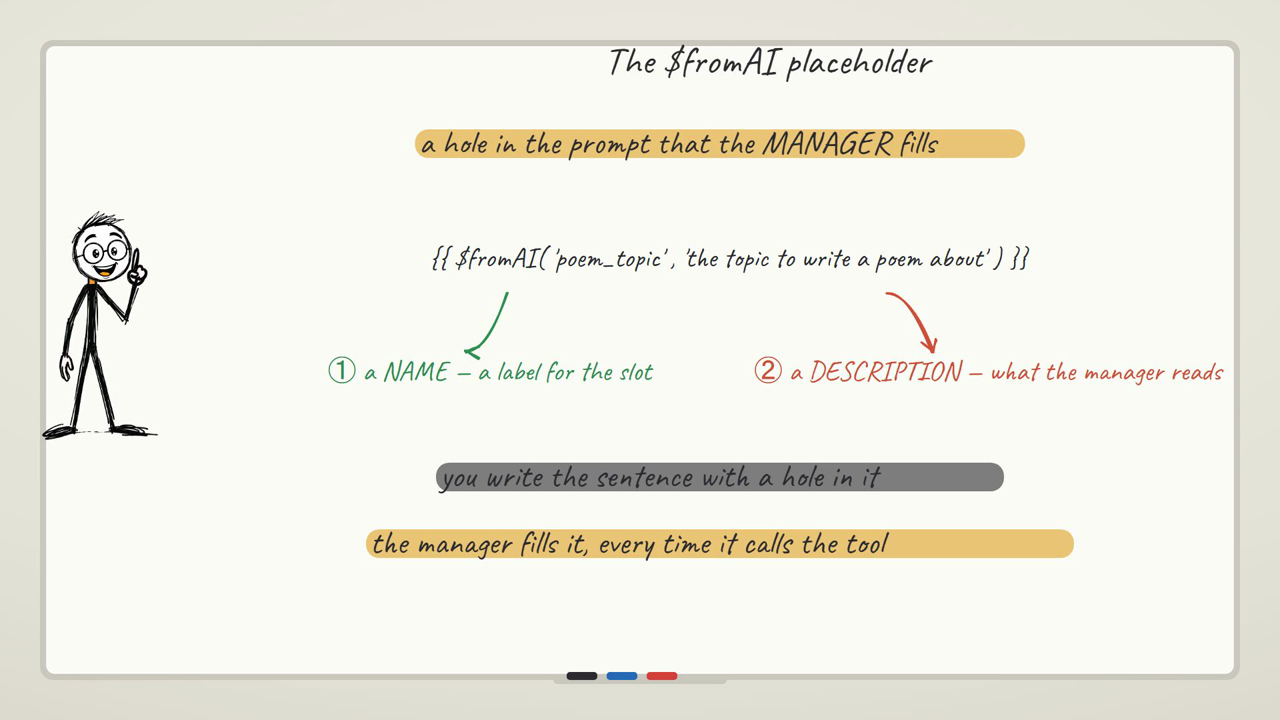
Set up two of these — say one for a warm client-facing summary and one that's terse and internal-only — attached to a manager that also has a general Chat Model of its own. Ask it something that genuinely needs both: "Draft a short client update on the project status, and separately give me one blunt internal note on what's actually at risk." Watch it take noticeably longer than a single-tool call did — the manager is reasoning about which parts go to which specialist, then waiting on each of them to answer, before it can compose the final reply to you.
That delay is the caveat worth internalizing here: every delegation is another full model call. A manager handing off to two sub-agents isn't twice the cost of a plain agent call — it's closer to three separate model calls happening for one user message (the manager's own reasoning, plus each sub-agent), so the time and the cost both roughly multiply by however many agents actually get involved. That trade is genuinely worth it when the specialists are doing something meaningfully different — a different tone, a different domain, a task that benefits from its own focused instructions rather than one agent trying to be everything. It's not worth it for a task a single well-prompted agent could just do directly; adding a sub-agent "for structure" when there's no real specialization happening just triples your latency and your bill for no real gain.
Stage 5: reach real external systems through MCP
Everything so far lived inside one n8n workflow. MCP (Model Context Protocol) is the piece that lets an agent reach a toolbox that's running somewhere else entirely — a separate workflow, a separate server, potentially a tool someone else built and published. Instead of wiring in one tool at a time, you point the agent at one MCP connection and it gets access to everything that connection offers.
n8n can be both sides of this. In one workflow, an MCP Server Trigger node turns whatever tools you attach to it — Calculator, a Wikipedia lookup, whatever you choose — into a toolbox other agents can reach over a URL. You give that trigger a fixed path (rather than the random one it generates by default) so the URL other agents connect to stays stable, and you publish the workflow so that URL is actually live rather than only responding during a test session.
In a second, completely separate workflow, your agent gets an MCP Client Tool attached to its Tool slot instead of individual tools. You paste in the server's URL, and from that point on, every tool the server exposes is available to this agent — without either workflow needing to know the other one's internal wiring. Ask it something that needs both remote tools — a calculation and a factual lookup — and watch the agent reach across into that separate workflow to get real answers, the same way it reached for the Calculator back in Stage 2, except now the tool isn't even running in the same place.
The caveat here is the one that costs people the most confused debugging time: MCP is a live connection to something running elsewhere, and when that something is down, the failure looks exactly like an AI problem but isn't. If the server workflow gets deactivated, or two workflows accidentally try to serve the same path, your agent doesn't say "I can't reach my tools" — it just fails to use them, or errors in a way that reads like a model or prompt issue. The tell is to check the boring, unglamorous thing first: is the server workflow actually published and active, and is the URL you pasted into the client actually still correct. Nine times out of ten, an MCP agent that "stopped being smart" just lost its connection to the toolbox, not its ability to reason.
Where this assistant goes from here
You've now got one thing that can answer, check its facts with a tool, hold a conversation, delegate specialist work, and reach outside its own workflow — which is genuinely most of what a production agent does, just at small scale. A few honest next moves on this exact assistant: swap the Calculator for a real tool your business actually needs (an HTTP Request tool hitting your own API, or a database lookup); give the manager agent a third specialist for a task you actually do by hand today; put the whole thing behind the Telegram bot pattern so you're chatting with it from your phone instead of n8n's test panel; or connect it to a real MCP server someone else has published, rather than one you built yourself, and see what that unlocks.
If you'd rather build all of this without spending anything on API calls while you're still learning the shape of it, the free local agent with Ollama walks through the same core "trigger → agent → tool" loop with zero cost per run — a genuinely good place to practice the mechanics before you bring in a paid model for the bigger stages here.
And if you want to see each of these stages built from a completely blank canvas, one node at a time, with nothing skipped — subscribe and I'll email you when the next one lands. One email per tutorial, with the workflow and the exact settings, including the mistakes that cost me hours so they don't cost you any. Free, and one click gets you off the list.
Once your agent needs real data flowing into it, the APIs and live data guide covers the tools you'd attach, and the three real automations guide shows an agent doing actual work in a finished build.
Where an agent actually beats a plain automation
Not everything needs a tool-calling loop — a lot of automation is genuinely fine as a straight trigger-fetch-shape-send chain, no decisions required. These are the situations where the extra complexity of an agent is actually buying you something.
A support inbox that has to read before it routes
A plain automation can route an email by a keyword match, but "my invoice is wrong" and "I was overcharged and it's ruining my week" need genuinely different handling even though neither has an obvious keyword. An agent reading the message can judge tone and urgency, not just match text, and decide whether it needs to check anything — an order lookup tool, a customer record — before deciding where it goes. That's a decision, not a lookup table, which is exactly the line between an AI step and an agent from earlier in this guide.
A research assistant that checks its own answer before giving it to you
Ask a plain AI step for a competitor's current pricing and it'll answer fluently and confidently, from training data that might be a year stale. Give an agent a web search or scraping tool and the same question, and it recognizes it doesn't actually know current pricing, goes and checks, then answers from what it just found. The difference only shows up the moment the question depends on something that changes — which is most useful business questions.
One assistant that sounds like three different people, on purpose
A single agent trying to write a terse internal Slack update and a warm client-facing email in the same prompt tends to blur both into something mediocre. A manager agent with two specialist sub-agents — one instructed to be blunt and internal, one instructed to be warm and client-facing — genuinely produces sharper output for each, because each sub-agent only ever has to hold one voice in its instructions. You pay for it in extra model calls, per the caveat in Stage 4, so it's worth it specifically when the tones actually need to differ, not as a default structure.
FAQ
What's the difference between an AI step and an AI agent?
A plain AI step (the OpenAI "Message a Model" node) takes one prompt and returns one answer — it can only work with what's directly in that prompt. An AI Agent node is given tools and decides, on its own, whether it needs to use one before answering, in a loop that can call several tools before it replies to you. The AI step answers; the agent decides.
Why is my agent ignoring a tool I clearly attached?
Almost always it's the tool's description. The description field isn't documentation for you — it's the text the model itself reads to judge whether this tool is relevant to the current question. A vague description ("handles data") loses to the model just guessing an answer instead. Make the description specific about exactly what the tool does and when it's useful, the way you'd brief a new hire.
My agent answered confidently but got the fact wrong — is the model bad?
Check whether you actually attached a tool for that kind of question before you blame the model. An agent with no relevant tool attached doesn't refuse or warn you — it just answers from its training, fluently and sometimes wrong. This is the single most common confusion for people building their first agent, and the fix is almost always "attach the tool," not "use a bigger model."
Do I need to pay for this?
To follow this exact guide, yes — it uses a paid model like OpenAI's, though each run costs a small fraction of a cent with an inexpensive model. If you want to learn the whole agent-tool loop for genuinely free, with no API key at all, build the Ollama-based local agent first — same mechanics, running on your own machine.
Why did my agent forget something I told it two messages ago?
Either there's no Memory node attached at all (a fresh agent has no memory of previous turns by default), or the conversation has run long enough that the oldest turns fell out of the memory window. Both look identical from the outside — the agent answers as if it never heard the earlier message. Attach a Simple Memory node for the first case; for a genuinely long conversation, you'll need a larger window or an external memory store.
Is a multi-agent setup always better than one well-prompted agent?
No. Every sub-agent a manager delegates to is a full extra model call, so a manager plus two specialists costs and takes roughly three times what a single agent call does. That's worth it when the specialists are doing something genuinely different — a different tone, domain, or focus that a single prompt would struggle to hold at once. It's not worth it if one agent could just do the task directly; you'd just be paying triple for the same answer.
My MCP-connected agent stopped using its tools — is the AI broken?
Almost never. MCP is a live connection to a server running somewhere else, and when that server workflow isn't active — deactivated, or its path conflicting with another workflow — the agent can't reach its tools, and the failure looks like a reasoning problem even though it's a plumbing problem. Check that the server workflow is published and active, and that the URL in the client tool is still correct, before you touch the prompt or the model.
Can I use a cheaper or smaller model for all of this?
Yes, and for most of what's in this guide you should. Tool-calling, short reasoning, and delegation decisions don't generally need the largest, most expensive model a provider offers — a fast, inexpensive model is usually enough, and it keeps every test run cheap while you're building. Check your provider's current pricing page rather than a fixed number, since prices and lineups change often.
Do I need to know how to code to build any of this?
No. Every stage here is built by adding a node and wiring it in through the n8n canvas — attaching a Chat Model, a Tool, or a Memory node is all point-and-click. The only "code" you'll ever touch is small expressions like {{ $json.text }} to pull a value from an earlier node, and you can build a genuinely capable multi-stage agent without writing more than that.