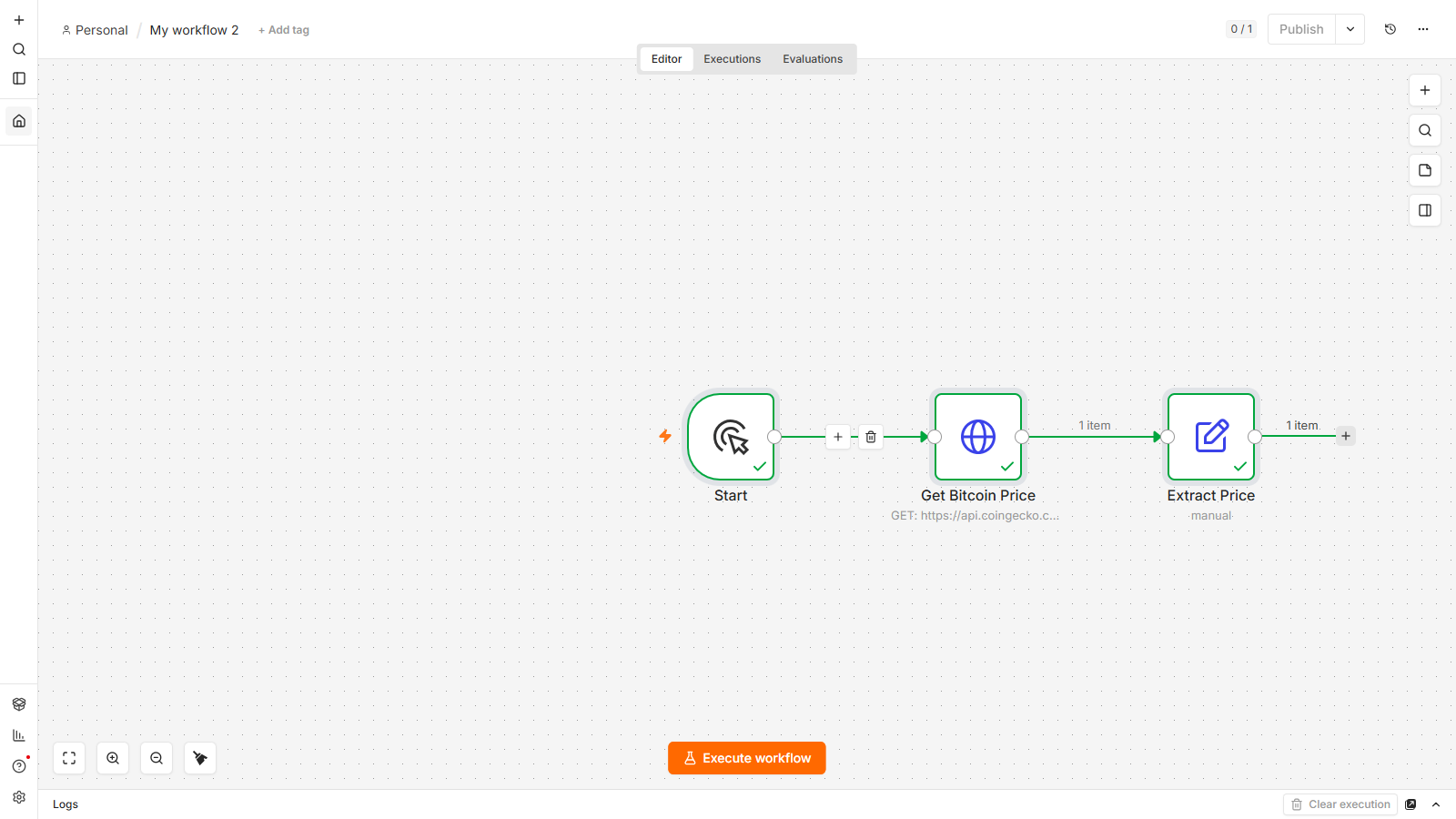
Somewhere around your third or fourth n8n tutorial, you notice a pattern. Every "real world" example calls the same free Bitcoin-price endpoint, gets back one clean number, and the video ends. Nobody shows you what happens when the data isn't clean. What happens when you need three sources instead of one, or the data goes stale in an hour, or the site you want doesn't have an API at all, or you accidentally process the same feed entry five times because you forgot it doesn't remember what it already sent you.
New to n8n? Start with the complete beginner's guide — every concept explained once, with the whiteboard diagrams, then come back here.
That's what this guide is actually about. We're going to build one real thing, in pieces, across six sources — and every piece exposes a different way "live data" can go wrong before it goes right.
The one thing you're actually learning here
Before any of the specifics, here's the idea that makes all six of these collapse into one skill instead of six separate integrations: every single one of them is you asking a URL for something, and it handing you back either JSON or HTML, and your job is finding the one value inside it that you actually want. That's it. That's the whole game, every time.
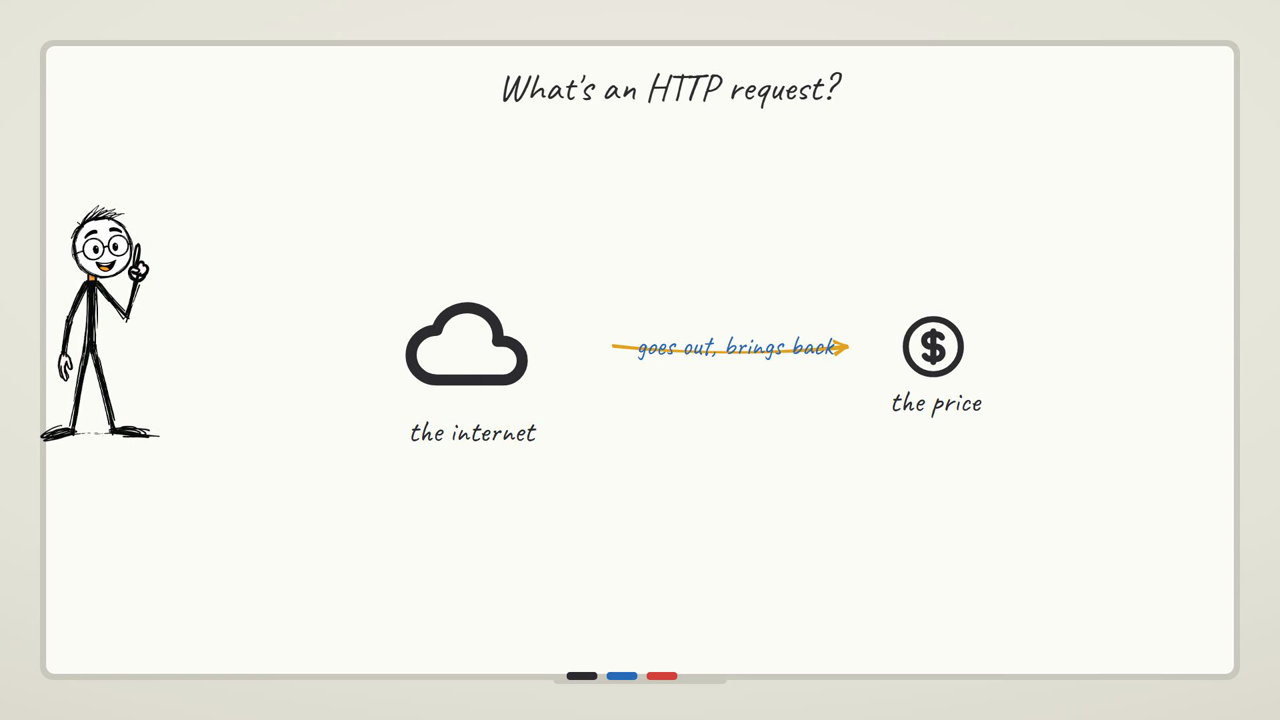
What changes between them is two things. First, how you're allowed to ask — some URLs answer anyone who knocks, some want a key, some get annoyed if you knock too often. Second, how tidy the answer is — clean structured JSON, on one end, all the way down to raw HTML built for a browser, not for you, on the other. Once you see that spectrum, "I need to learn the GitHub API" and "I need to learn the weather API" stop being two different tasks. They're the same task with the dial turned to a different setting.
We already covered the actual mechanics of the HTTP Request node — the trigger, the node, the Execute step, the output panel — in the first workflow tutorial, so if any of those words are new, start there. This one assumes you've got that part.
Before you build anything, here's the question that actually decides which technique below you reach for:
Which kind of source are you dealing with?
The scenario we're building toward
Here's the thing we're actually assembling, one section at a time: a personal morning briefing. One workflow that, while you're still asleep, checks the weather where you are, pulls the prices you actually watch, converts a number into your currency, checks whether a project you care about got new stars overnight, and grabs the new posts from a couple of sources you follow — and hands you all of it in one place before your coffee's ready.
Nothing here is hypothetical. Every source below is something you can wire in this afternoon. By the end you'll have the individual pieces built and understand exactly how to bolt them onto one schedule-triggered workflow (which is its own separate skill — see the schedule trigger tutorial for that half of it).
Piece one: the weather, because it's the simplest live call there is
Weather is a good starting point because the API asks nothing of you — no signup, no key — and it introduces the one wrinkle every "real" API has that the plain Bitcoin-price call doesn't: you have to tell it what you want.
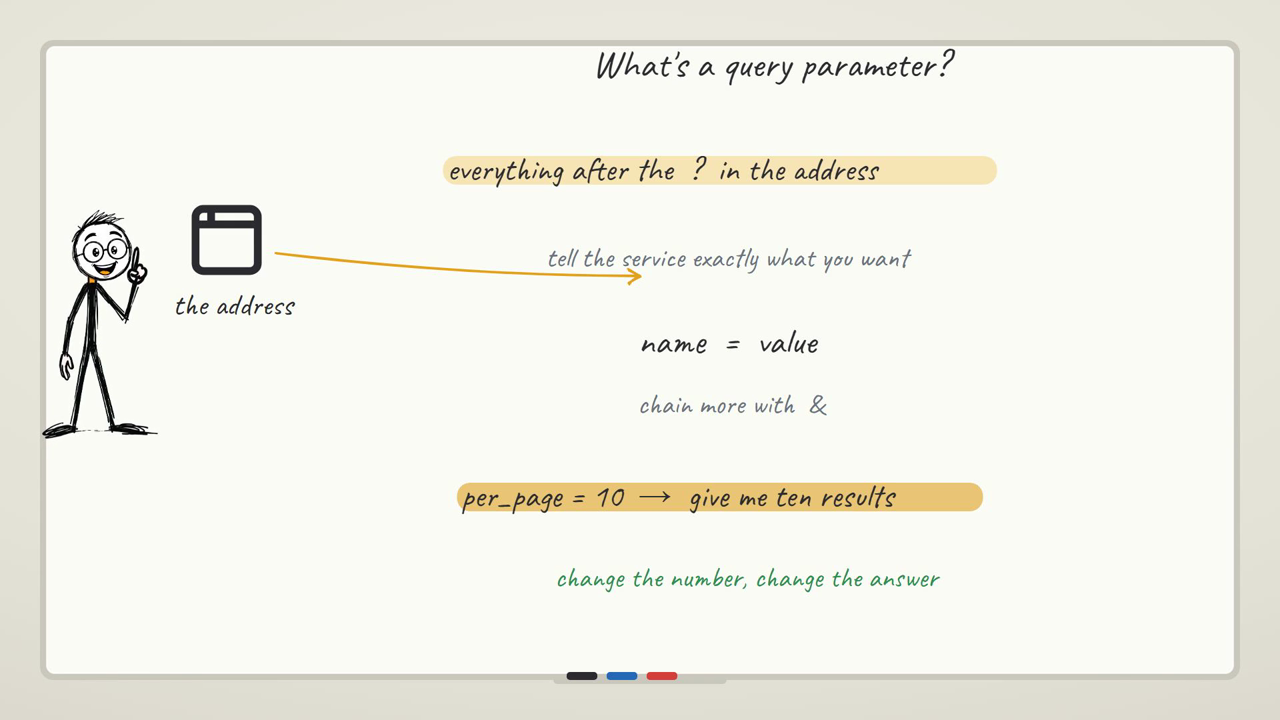
The Bitcoin endpoint from the first-workflow tutorial has one job and no options. A weather API needs to know where. You do that with a query parameter — the part of the URL after a ?, written as key=value, with an & chaining more of them on. An address like https://api.open-meteo.com/v1/forecast?latitude=19.07&longitude=72.87¤t=temperature_2m is really a sentence: go to Open-Meteo, and give me the current temperature, for exactly this latitude and longitude. Change those two numbers and you've got the weather anywhere else on the planet, with the exact same node.
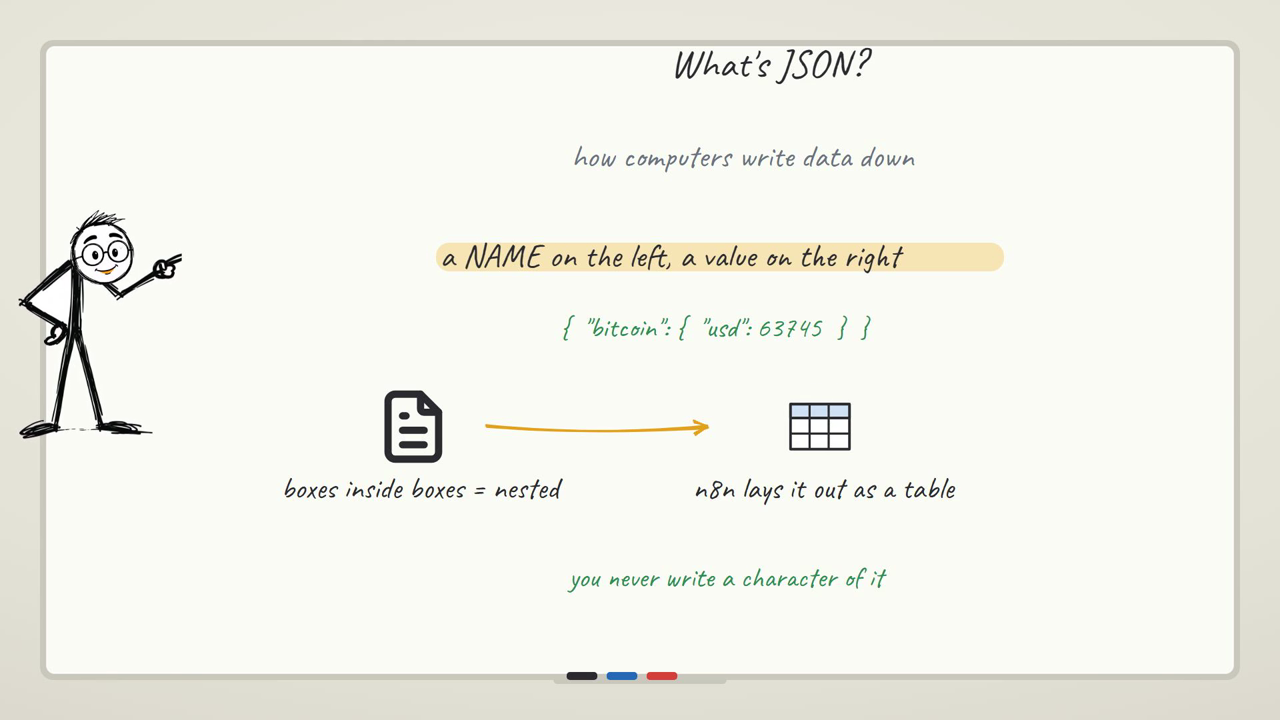
Run it, and here's the part that catches people the first time: the answer doesn't come back as one number. It comes back nested — an object inside an object, like { "latitude": 19.07, "current": { "time": "...", "temperature_2m": 28.4 } }. The temperature you want is sitting three levels down, inside a box called current, inside the whole response. That's not weather-specific — it's how almost every real API answers you, and once you've opened one of these boxes you'll recognize the shape everywhere.
In n8n's output panel, switch to the Schema view rather than the flat Table view if you're hunting for a nested field — Table only shows top-level columns and will make you think the value isn't there.
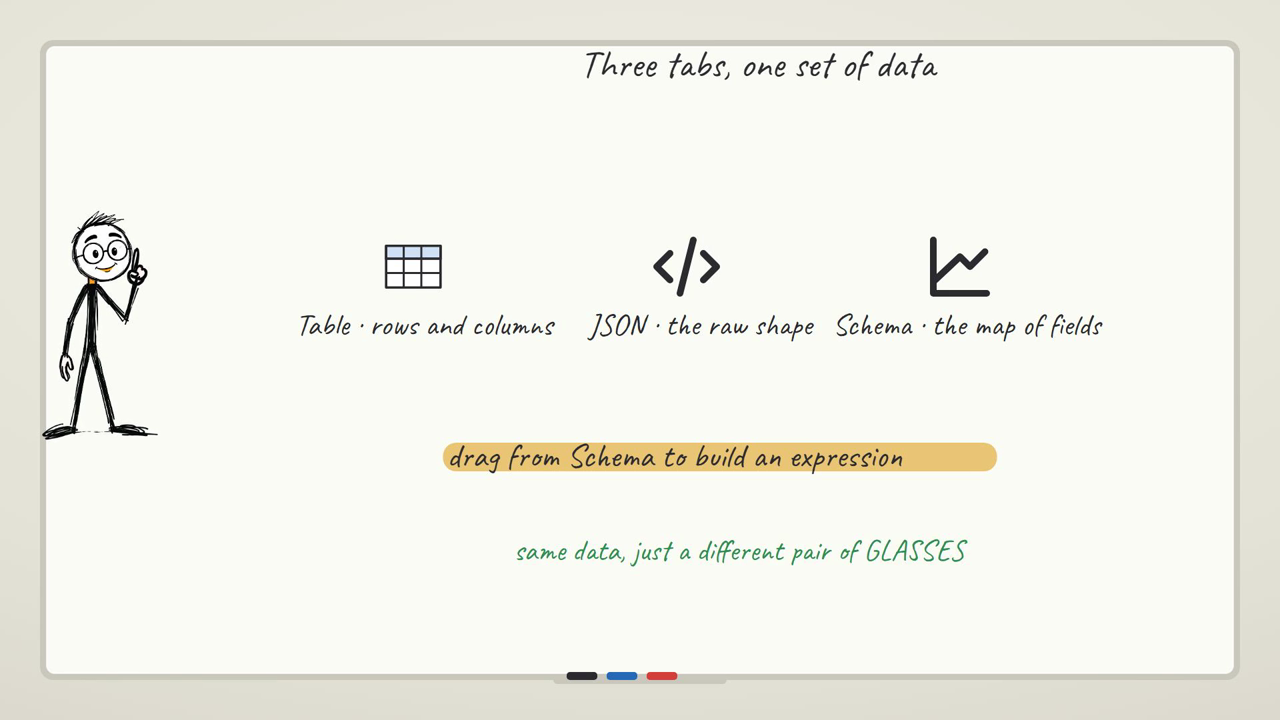
The caveat here, concretely: if you mistype the field name — say you write temperature instead of temperature_2m — nothing turns red. The node still runs green, the API still answers, you just get undefined wherever you referenced the wrong key downstream, and it silently disappears from anything that used it. There's no error to Google. You just get a briefing that's missing the temperature and no clue why until you go back and diff the field names by eye.
Piece two: several calls in one workflow, and the problem of keeping them straight
The moment your briefing wants more than one thing — say, Bitcoin and Ethereum and a couple of altcoins — you hit the next real problem: one HTTP Request node calling one URL gives you one item back. You need either one node per coin, or one call that returns a list, and either way you now have multiple items flowing through the same pipe at once.
This is where n8n's "item" model either clicks or trips you up. If your HTTP call returns an array of ten coins, that's ten items, and every node after it runs once per item automatically — no loop to write. The catch is when you're combining separate calls (say, a crypto price call and a weather call) rather than one call that already returns a list: now you've got two separate streams of data, and you have to be deliberate about which item pairs with which, using something like a Merge node, rather than assuming n8n will politely line them up for you. That's covered properly in the data handling guide.
The caveat, concretely: run several HTTP Request nodes in parallel without thinking about it, and it's easy to end up with items in an order you didn't expect — the crypto call that finished first isn't necessarily "item 1" in the order you assumed. If you're building an Edit Fields node downstream that reads "item 1 is Bitcoin," and the actual first item back is Ethereum because that call happened to resolve faster, your briefing quietly reports the wrong coin's price under the wrong label. Nothing errors. The number is just wrong, and it looks completely normal.
Piece three: exchange rates, and the "everything, all at once" problem
Currency conversion is where the "the API gives you everything" problem shows up hardest. A free exchange-rate endpoint like https://open.er-api.com/v6/latest/USD doesn't hand you one number — it hands you a rates object with every currency on earth, all converted from USD, all at once. Dozens of currency codes, and you want exactly one of them.
That's a genuinely useful thing to internalize about APIs in general: they don't guess what you specifically want. They give you the whole dataset they have, and it's on you to reach in and grab the one field that matters — here, something like rates.INR. This is the moment the Edit Fields (Set) node earns its keep. Rather than passing that whole messy rates blob downstream, you add one Edit Fields node, name a field something readable like summary, and set its value to an expression that stitches the real number into a sentence you'd actually want to read — 1 USD = {{ $json.rates.INR }} INR — so what comes out the other end is one clean line instead of a wall of currency codes nobody asked for.
The caveat that actually matters for a morning briefing built on this, specifically: a rate is only as useful as how fresh it is. If this workflow runs once and the result gets cached or reused across several runs of your briefing without re-fetching, you'll happily report yesterday's exchange rate as if it's live. There's no warning built into the API for that — it just answers with whatever it currently has, and it's entirely on your workflow's schedule (not the API) to make sure "live" actually means "as of a few minutes ago" and not "as of whenever you last happened to build this."
Piece four: GitHub, where the address itself carries the question, and where a key starts to matter
GitHub's public API introduces two new things at once, and it's worth separating them clearly because they get confused constantly.
The first is that the thing you're asking about doesn't go after a ? this time — it goes inside the address itself. An endpoint like https://api.github.com/users/torvalds puts the username directly into the path, between two slashes, no query string at all. That's called a path parameter, and the distinction is genuinely useful to hold onto: a query parameter hangs off the end of an address like an add-on note; a path parameter is baked into the address the way a house number is baked into a street address. Same job — telling the API exactly what you want — different spot.
Run that against a public username and you get real, live data back with no key at all: follower counts, public repo counts, the person's bio, all real. That's genuinely satisfying to build and swap your own username into.
But the second thing — and this is the one worth being honest about rather than making up a number for — is that this generosity has a ceiling. GitHub's public API is happy to answer a handful of unauthenticated requests, but it limits how many you can make per hour without identifying yourself, and that ceiling is fairly aggressive if you're calling it repeatedly (during testing, for instance, or once this sits inside a workflow that runs every morning). Once you attach a personal access token as authentication, that ceiling opens up dramatically — GitHub's own documentation is the place to check the exact current numbers for both tiers, since these do change and a number printed in a blog post from a year ago is exactly the kind of thing that quietly goes stale.
The caveat, concretely: the failure here doesn't look like an error message explaining you've been throttled. It looks like your workflow, which worked fine an hour ago, suddenly returning a response with no follower count, no repo count — nothing — because you've hit the unauthenticated ceiling and GitHub is now declining your requests until the hour resets. If you're testing the same node over and over while building (which you will be), you can burn through that ceiling before you've even finished wiring the workflow, and the fix is exactly what you'd expect: set up an actual credential and authenticate the call instead of leaving it anonymous, especially before this thing runs unattended every single morning.

Piece five: the source with no API at all — scraping a page
Not everything you want to follow has an API. Sometimes there's just a web page, meant for a person's eyes, and nothing structured behind it. That's where the HTML (Extract) node comes in — it doesn't call a clean JSON endpoint, it fetches the raw HTML of a page and lets you reach in with a CSS selector, the same kind of selector you'd use to style a page, to pull out one specific piece of text.
Something like fetching https://quotes.toscrape.com/ with an HTTP Request node, then pointing an HTML Extract node at the selector .text, pulls every quote on the page out as a clean list of strings, with a toggle to decide whether you want just the first match or every match on the page. It genuinely works, and it feels like a small magic trick the first time you see a full HTML document collapse into exactly the one string you wanted.
Here's the part worth being completely honest about, though, because it's the single biggest difference between this and everything above it: a CSS selector is a bet on someone else's HTML staying the same. An API is a contract — the people who run it are telling you, in writing, "this field will be called this." A web page is not a contract. It's just how that page happens to be built today, and nobody who runs that site owes you a warning before they redesign it. When they do — a new theme, a different template, a class name that gets renamed from .text to .quote-content — your selector stops matching, and here's the genuinely nasty part: it doesn't error. The HTTP call still succeeds. The HTML Extract node still runs green. It just comes back with an empty result, because nothing on the page matched your selector anymore, and nothing in n8n tells you that's what happened. You find out only because your morning briefing has been quietly blank in that one section for however many days it takes you to notice — there's no red border, no failed run, no alert. That fragility is the actual price of using a page instead of an API, and it's worth knowing you're paying it going in, not discovering it three weeks later.
Piece six: RSS, the source that's already structured — and the trap that makes people mute their own alerts
RSS feeds are the pleasant surprise after scraping: a site that publishes an RSS feed has already done the structuring work for you. One RSS Read node, pointed at a feed URL like https://dev.to/feed, hands you back one clean item per article — title, link, pubDate, content, and a guid that uniquely identifies that entry — no HTTP node, no HTML parsing, no CSS selector at all.
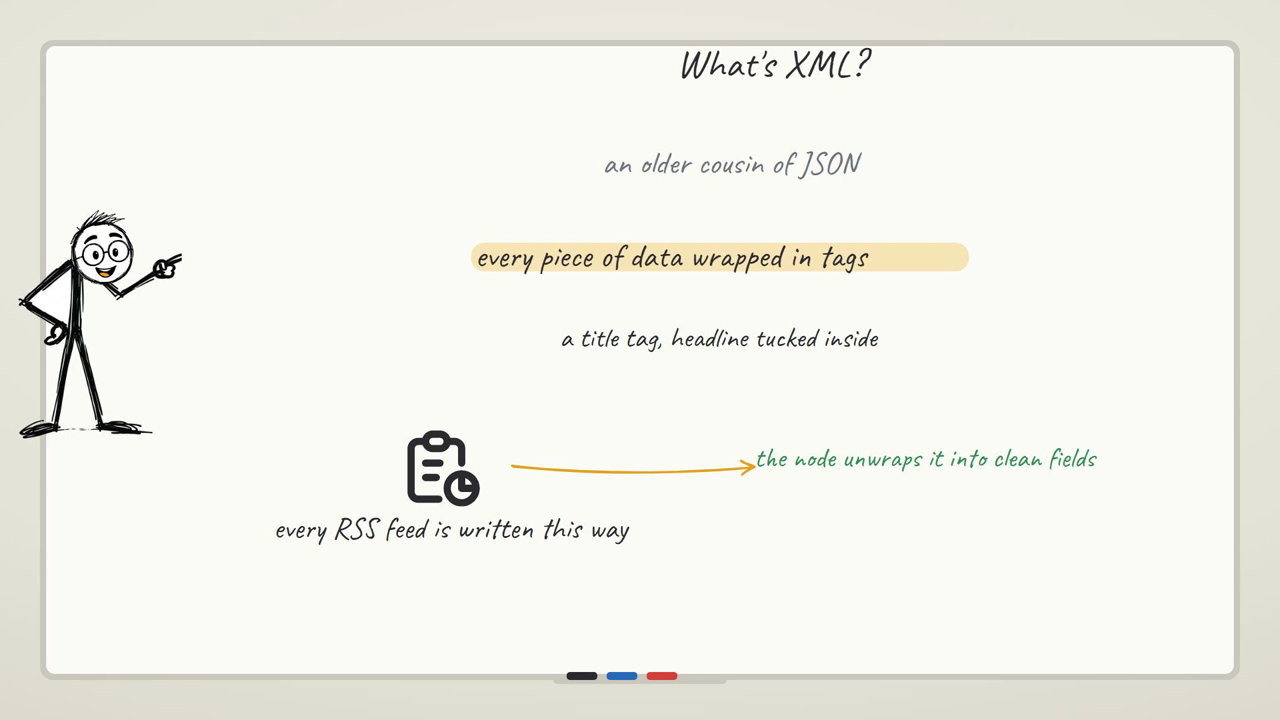
But RSS has its own specific trap, and it's the one that quietly ruins more "send me new posts" workflows than anything else: the feed doesn't know what you've already seen. Every time your workflow runs, the RSS Read node fetches the whole current feed — not just what's new since last time. If your source publishes twenty posts and your workflow checks every morning, and you don't do anything about it, you get twenty items back every single morning, forever, regardless of whether you've already read eighteen of them yesterday.
That means deduplication isn't optional — it's the entire second half of building anything useful on top of RSS. The shape of the fix is straightforward even before you get into the exact nodes: keep a small record, somewhere your workflow can read back later — a spreadsheet row, a simple database table, even a short list saved in a data store — of every guid you've already processed, and on each run, filter the incoming items down to only the ones whose guid isn't in that record yet. Then add whatever's new to the record before you finish.
The caveat, concretely: skip this step, and the first few days feel fine, because the feed is small and everything looks "new" the first time anyway. Then a week in, someone gets the same three-day-old article pushed to their phone every single morning, because the workflow has no memory and is faithfully reprocessing the entire feed on schedule. That's not a bug in RSS Read — it's doing exactly what it's supposed to, returning the current feed contents. The bug is in assuming a stateless fetch remembers state. This is the single most common reason people end up muting a notification channel they built themselves — not because the automation failed, but because it never actually stopped repeating itself.
If you're building alerts on top of any workflow that fires repeatedly, this is worth internalizing well before you wire up Telegram or email at the end of it — a working automation that spams you is worse than no automation at all, because now you have to go turn it off.
Speaking of not missing the next piece of this: if you want the exact node setups as each of these gets built out further — the actual Merge wiring for combining multiple calls, the deduplication pattern built node-by-node — subscribing gets you one email per tutorial with the workflow and the settings, so you're not rebuilding any of this from a video transcript alone.
Here are all six side by side — this is really the spectrum from the top of this guide, made concrete:
| Source | Needs a key? | How structured the answer is | How it breaks |
|---|---|---|---|
| Weather (Open-Meteo) | No | Clean, nested JSON | Silent — a mistyped field name resolves to undefined, no error |
| Crypto prices (multi-call) | No | Clean JSON, often a list | Item order isn't guaranteed across parallel calls — you can mislabel which item is which coin |
| Exchange rates | No | Clean JSON, but the whole dataset at once (every currency) | Staleness — the API answers instantly with whatever it has; nothing warns you the rate is old |
| GitHub | Not required, but the ceiling tightens fast without one | Clean JSON | Requests just stop returning data once you hit the unauthenticated rate limit — no error message, just empty fields |
| Web scraping (HTML Extract) | No | Raw HTML — you dig out what you need with a CSS selector | Silent — a page redesign breaks your selector and the node still runs green, empty |
| RSS feeds | No | Already structured — clean fields per item | Doesn't break exactly, but has no memory — it hands you the whole feed every run unless you deduplicate yourself |
Where to take this once you've built the pieces
- Put all six behind one Schedule trigger — the schedule trigger tutorial covers exactly how to make any of these run on their own every morning instead of on a click.
- Merge the separate calls into one message — weather, price, and new-posts items all flowing into one Merge node, then one Edit Fields node that builds the actual line-by-line briefing text. The data handling guide covers that wiring.
- Send it somewhere you'll actually see it — a webhook into a chat app, or an email node, so the briefing lands on your phone rather than sitting in n8n waiting to be opened.
- Add the deduplication store once, reuse it everywhere — the same "have I seen this guid/id before" pattern from the RSS section applies to GitHub stat changes, new listings, anything you're polling on a schedule. It's the backbone of the three real automations guide.
Browse the rest of the build on the n8n tutorial hub if you want to jump to a specific piece.
Where you'd actually use this
Tracking a competitor's price when they don't offer an API
Most small e-commerce sites don't publish a pricing API — you're looking at a product page built for a shopper, not a developer. This is exactly the scraping technique from piece five: an HTTP Request node fetches the page, an HTML Extract node with a CSS selector pulls out the price text, and you compare it against yesterday's saved value. The honest caveat carries over directly — the moment they redesign that page, your selector goes quiet with no error, so this is a build you check on occasionally rather than trust blindly for months.
Getting pinged the moment a tool you depend on ships a new release
Plenty of open-source projects publish release notes as an RSS or Atom feed rather than through an API you'd have to poll and parse by hand — GitHub itself exposes one per repository. RSS Read handles the whole thing in one node, and because it's the same "already structured, but no memory" source from piece six, you need the same guid-based deduplication or you'll get re-notified about a release you already read about last week.
Keeping an invoice or price list in the currency your client actually pays in
If you bill in USD but quote a client in INR or EUR, hardcoding a rate is the kind of thing that's wrong by the time anyone notices. Wiring the exchange-rate call from piece three into whatever generates the invoice — a scheduled run, or triggered right before the document is built — means the number is pulled fresh each time rather than copied from a rate someone glanced at last month. The freshness caveat from that section is the whole point here: this only works if the workflow actually re-fetches on a schedule instead of reusing a cached run.
FAQ
Do I need an API key for any of these?
Weather (Open-Meteo), the exchange-rate endpoint, GitHub's public user data, HTML scraping, and RSS feeds all work with no key in the setups shown here. GitHub is the one where you'll want a key sooner rather than later even though it isn't required to start — it raises how many requests you can make per hour by a wide margin, and a workflow that runs on a schedule will eventually bump into the unauthenticated ceiling if it doesn't have one.
Why does my weather or exchange-rate value show up as "undefined" downstream?
Almost always a field-name typo against a nested response — you're referencing a key one level shallower or deeper than where it actually lives, or you spelled it slightly differently (temperature instead of temperature_2m, for instance). The run still shows green because the API call itself succeeded; the expression just resolves to nothing. Switch the output panel to Schema view and walk the nesting by eye to confirm the exact path before you write the expression.
How do I combine data from several different API calls into one item?
If one call already returns a list (ten coins from one request, say), you get multiple items automatically and don't need to do anything special. If you're combining genuinely separate calls — a weather call and a crypto call, for instance — you need a Merge node, and you should be deliberate about which item is which rather than assuming they'll line up in the order you expect.
My CSS selector worked yesterday and returns nothing today. What happened?
The site you're scraping almost certainly changed its HTML — a redesign, a renamed class, a restructured page. This doesn't produce an error in n8n; the node runs fine and returns an empty result, because nothing on the page currently matches the selector you gave it. This is the core risk of scraping instead of using an API: nobody who owns that page is obligated to tell you before they change it, and nothing in your workflow will flag it for you either.
Why does my RSS-based workflow keep sending me the same articles?
Because RSS Read fetches the entire current feed on every single run — it has no memory of what you already processed. Unless you're storing the guid of every item you've already handled somewhere and filtering against it, every scheduled run reprocesses the whole feed from scratch, which is exactly what makes an unattended RSS alert eventually feel like spam.
Is scraping a page ever a bad idea, legally or practically?
Practically, treat it as inherently fragile — it's the least stable data source of everything in this guide, since you have no contract with the page's structure. Beyond that, always check a site's terms of service and robots.txt before scraping it regularly, and prefer an official API whenever one exists, even a limited one, over scraping the same data off a page.
What's the actual difference between a query parameter and a path parameter?
A query parameter hangs off the end of a URL after a ?, as key=value pairs joined by & — think of it as an add-on note tacked onto an address. A path parameter is baked directly into the address itself, the way a house number lives inside a street address rather than being written on a separate note. Both exist to tell an API exactly what you want; which one a given API uses is just a design choice made by whoever built it.
Can I build this whole morning-briefing workflow without knowing how to code?
Yes — everything above is built with n8n's visual nodes (HTTP Request, Edit Fields, HTML Extract, RSS Read, Merge) and small expressions like {{ $json.rates.INR }} rather than actual programming. The one place you're writing anything resembling code is inside those expressions, and they're short enough to type by hand once you've seen the pattern a couple of times.